Order confirmation emails are one of the first messages customers receive after placing an order, making them a useful place to include invoice links.
With Sufio, an invoicing app for Shopify stores, customers can access their invoice directly from the order confirmation email sent by Shopify.
When customers click the invoice link, they will be redirected to the online version of their invoice.
From there, they can download or print the invoice and view other documents related to the same order.
They can also pay any unpaid invoices online using their credit card.
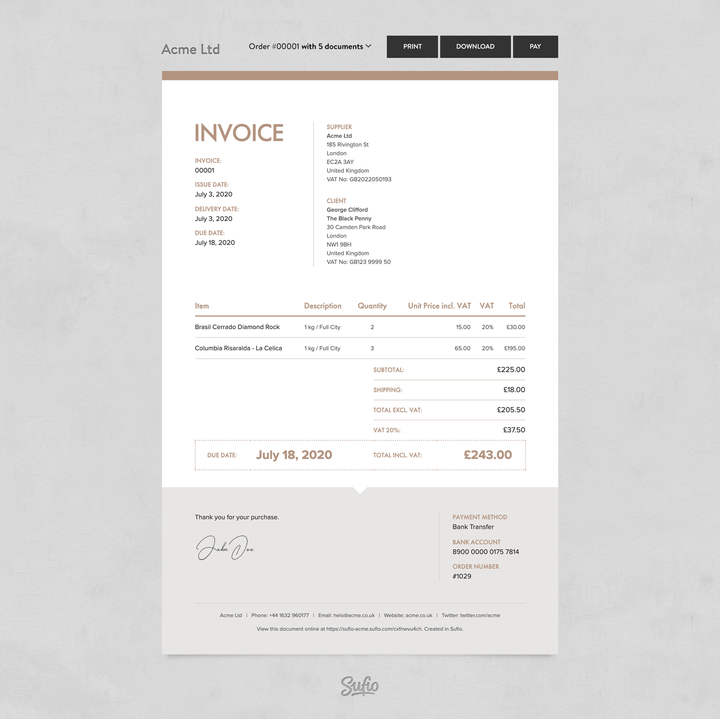
To add a link to the online version of the invoice in the order confirmation email template:
- In your Shopify admin, go to the Settings → Notifications → Customer notifications page.
- In the Customer processing section, click Order Confirmation.
- Click Edit code and insert the following code snippet into the Email body (HTML) field:
- Click Save to apply the changes.
You can also link directly to the PDF version of the invoice if you want customers to download it right away.
Use the following code snippet: