Color influences how invoices and credit notes are perceived.
A consistent accent color helps highlight key information such as totals, due dates, and headings while reinforcing brand identity.
In Sufio, the document color can be adjusted to match brand guidelines or visual preferences.
If you’re unsure which color to choose, start with your primary brand color, the one most commonly used on your website or in your brand guidelines.
To change your document color:
- In your Sufio account, go to the Design page.
- In the left-hand menu, select the Colors section.
- Select one of the preset colors, or click Custom color.
- Click Save to apply the changes.
Your documents will immediately reflect the selected color.
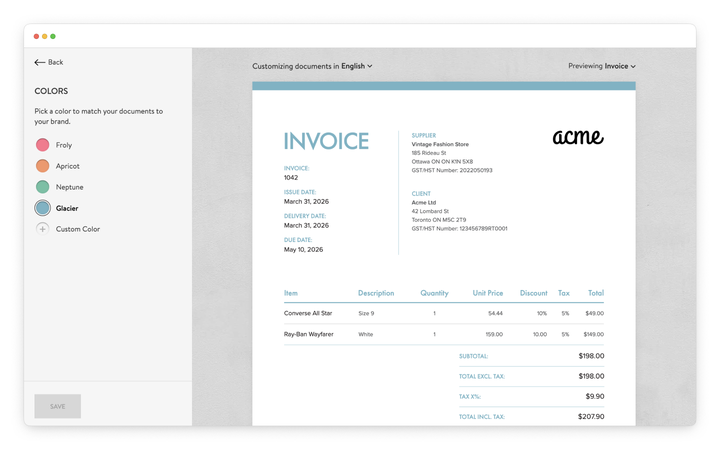
The exact elements affected and the color options suggested for the selected template may vary depending on the document template you are using.
Note
Sufio automatically adjusts complementary and contrasting colors in the template to maintain text readability and visual balance.
Professional invoices for Shopify stores
Let Sufio automatically create and send beautiful invoices for every order in your store.
Install Sufio - Automatic Invoices from the Shopify App Store